Meeting Mode
Participants can add questions and answers freely
Info
Best for live, facilitated sessions: participants can add questions and answers during the meeting.
Best for
- Workshops / staff meetings where ideas emerge live
- Facilitated Q&A with follow-up prompts
- Brainstorming that still needs structure and closure
Good when
- You want participants to add ideas/questions in real time
- You want a facilitator-led flow (not a fixed questionnaire)
Not ideal when
- You need a fixed, simple poll flow (use Base Day 1)
- You need Driving vs Restraining forces (use FFA)
Jump to
Meeting Mode (facilitator guide)
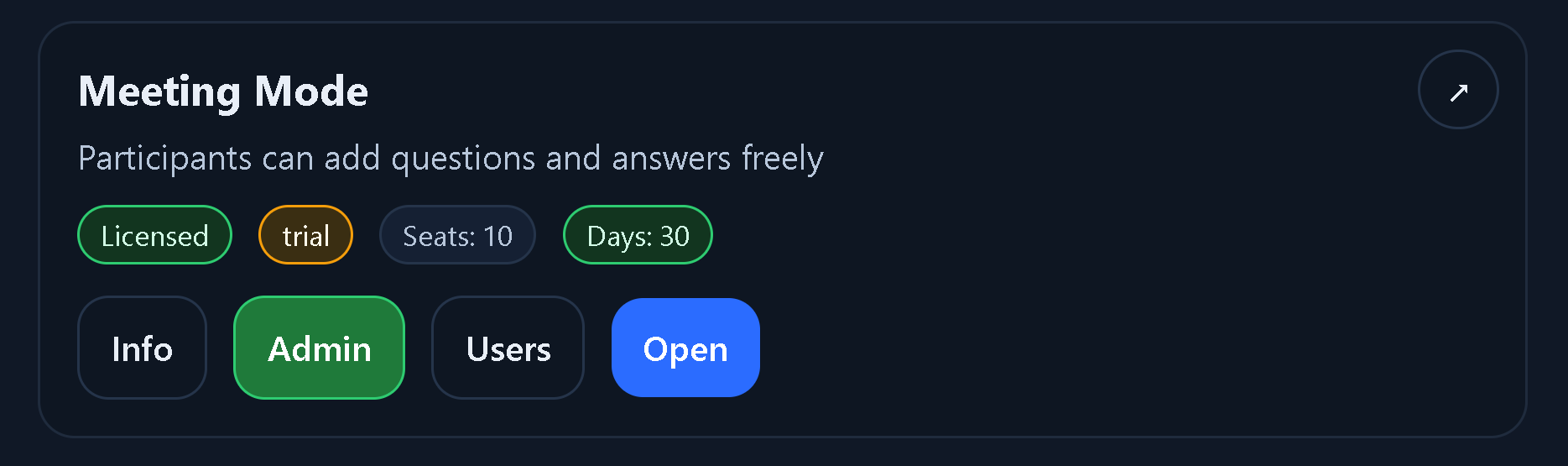
Step 1 — Launcher card
Use Info for help, Admin for setup, Open for entry. Admin is your facilitator start point.
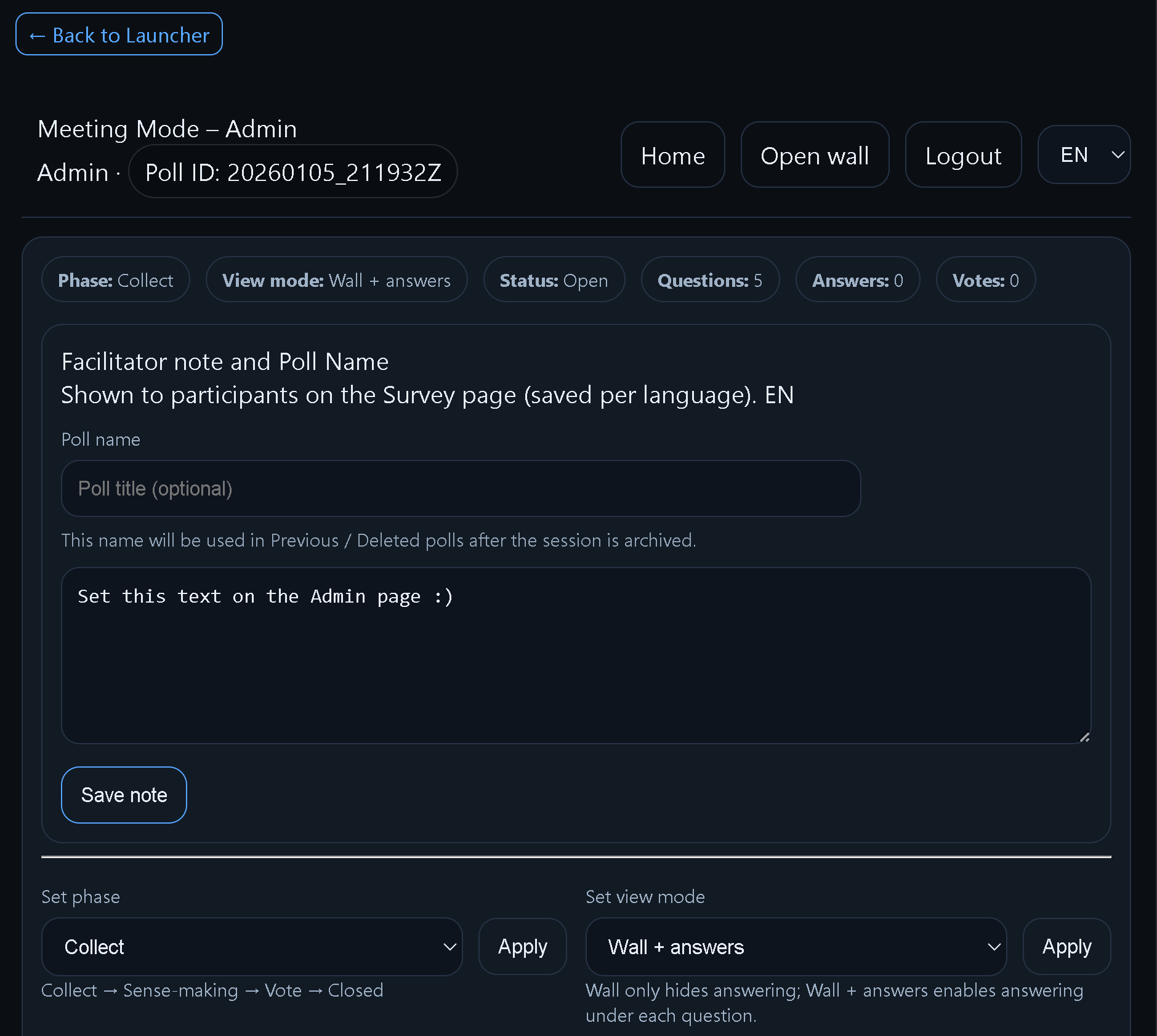
Step 2 — Admin landing
Check session status and confirm you’re ready before sharing.
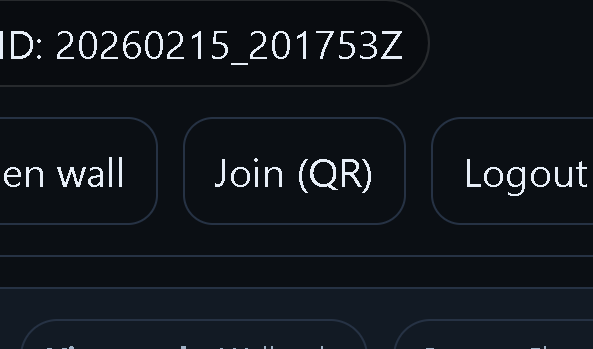
Step 3 — Share inside the poll
Use the poll’s Share link for participants (preferred facilitator workflow).
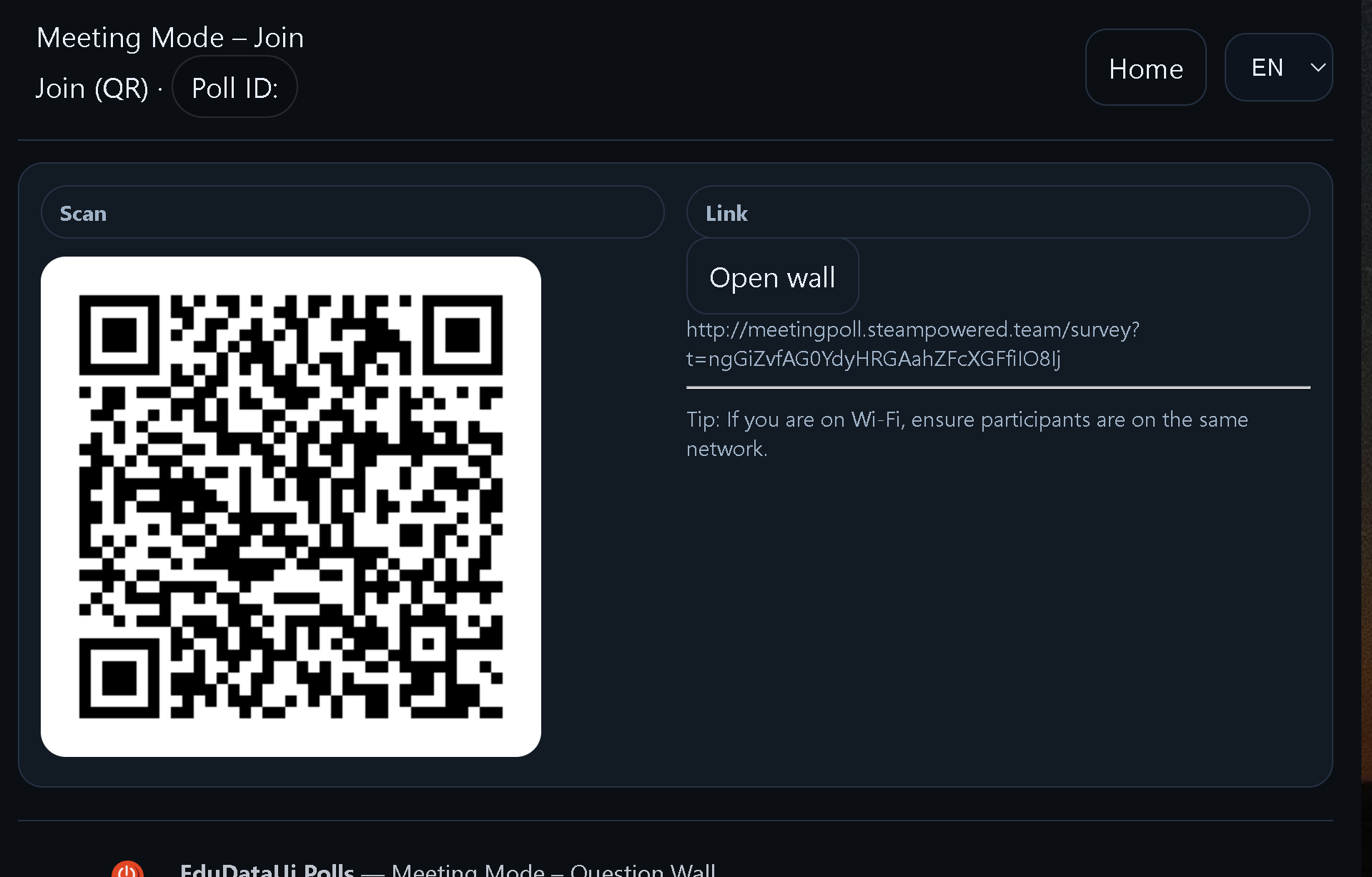
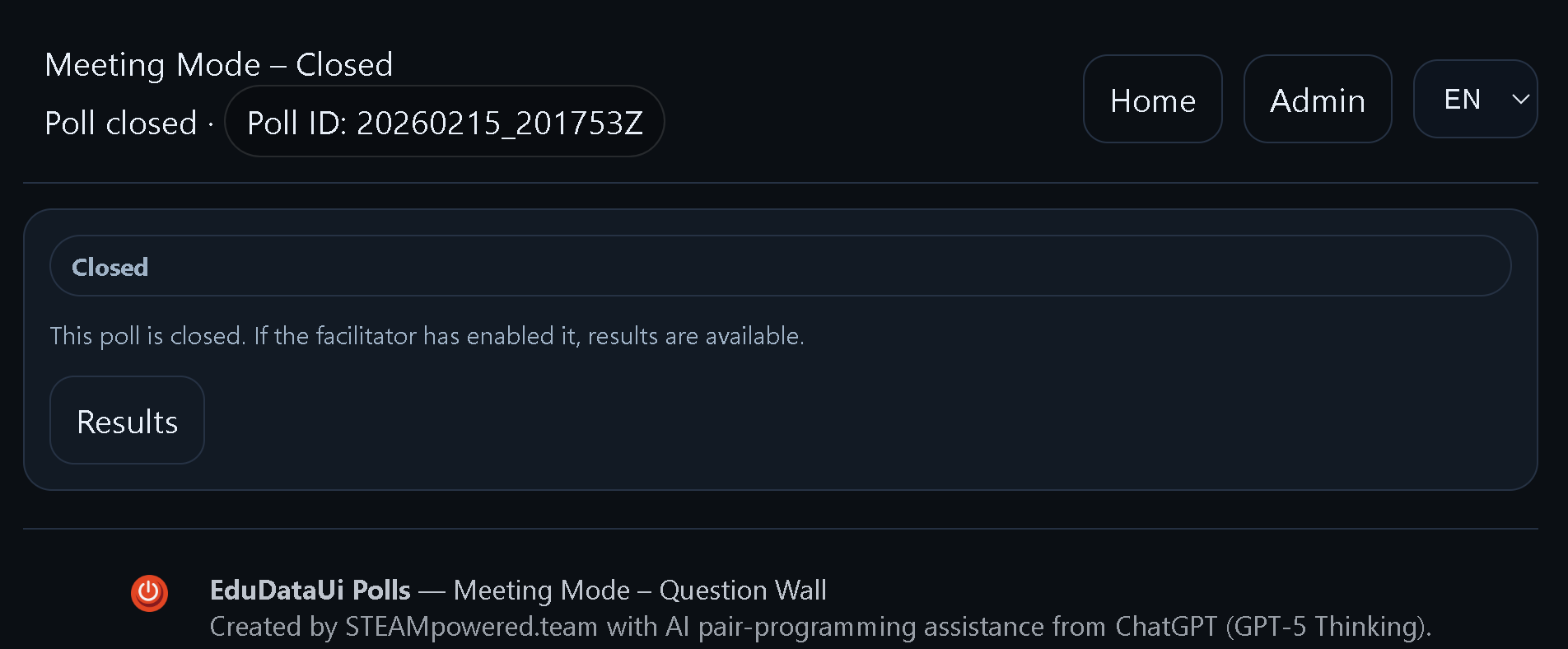
Step 4 — Participant view
Participants join on phones and add short, readable entries.
Step 5 — Live wall / projector view
Keep entries short, one idea per post, and summarise as you go.
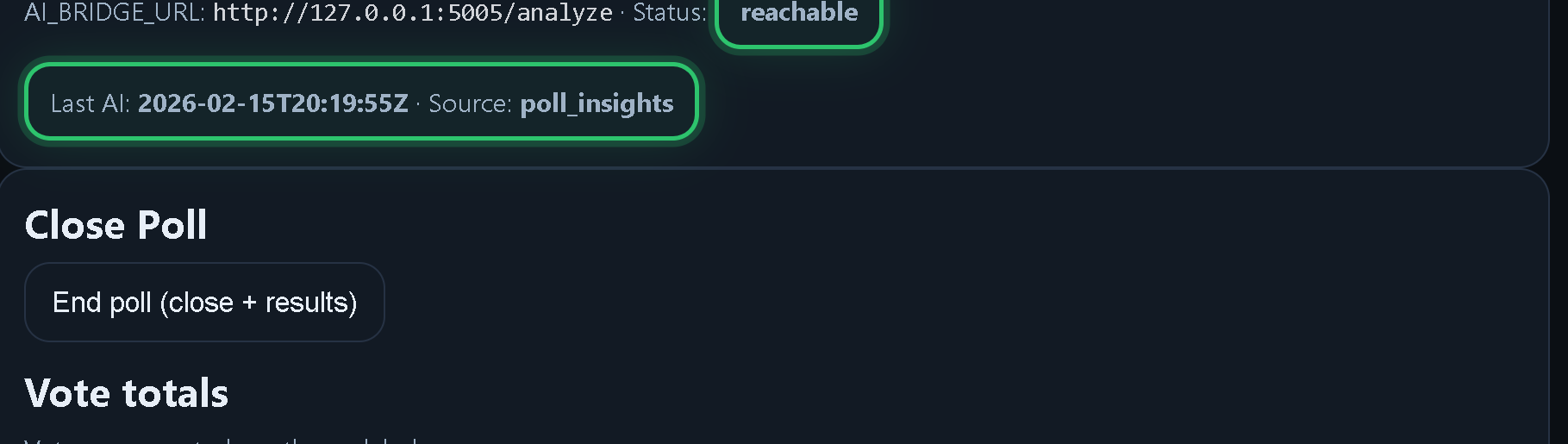
Step 6 — End poll
End cleanly when discussion is complete. This unlocks /results (if enabled).
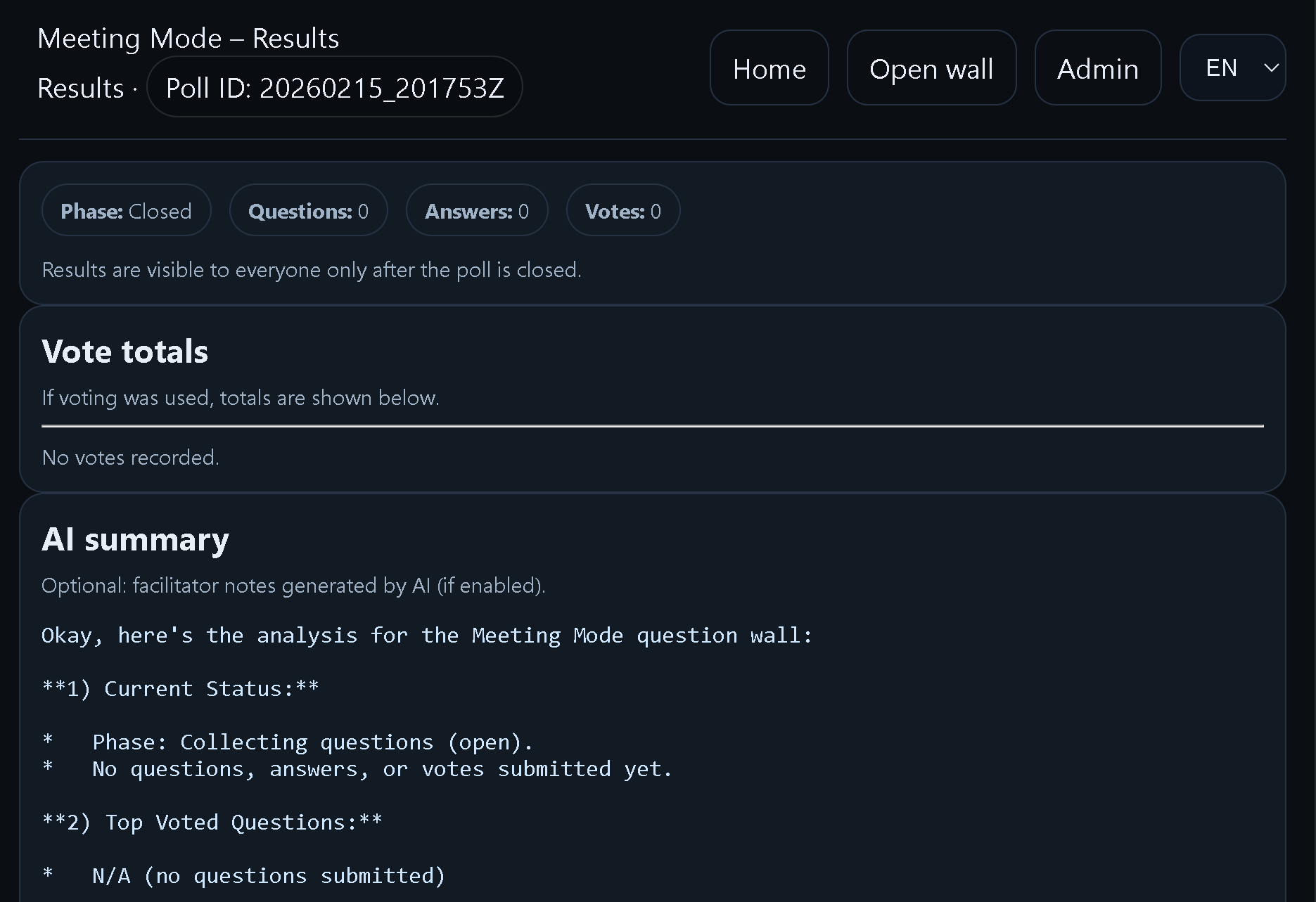
Step 7 — Results
After ending, /results can be shown without admin password (your service is set to allow this).
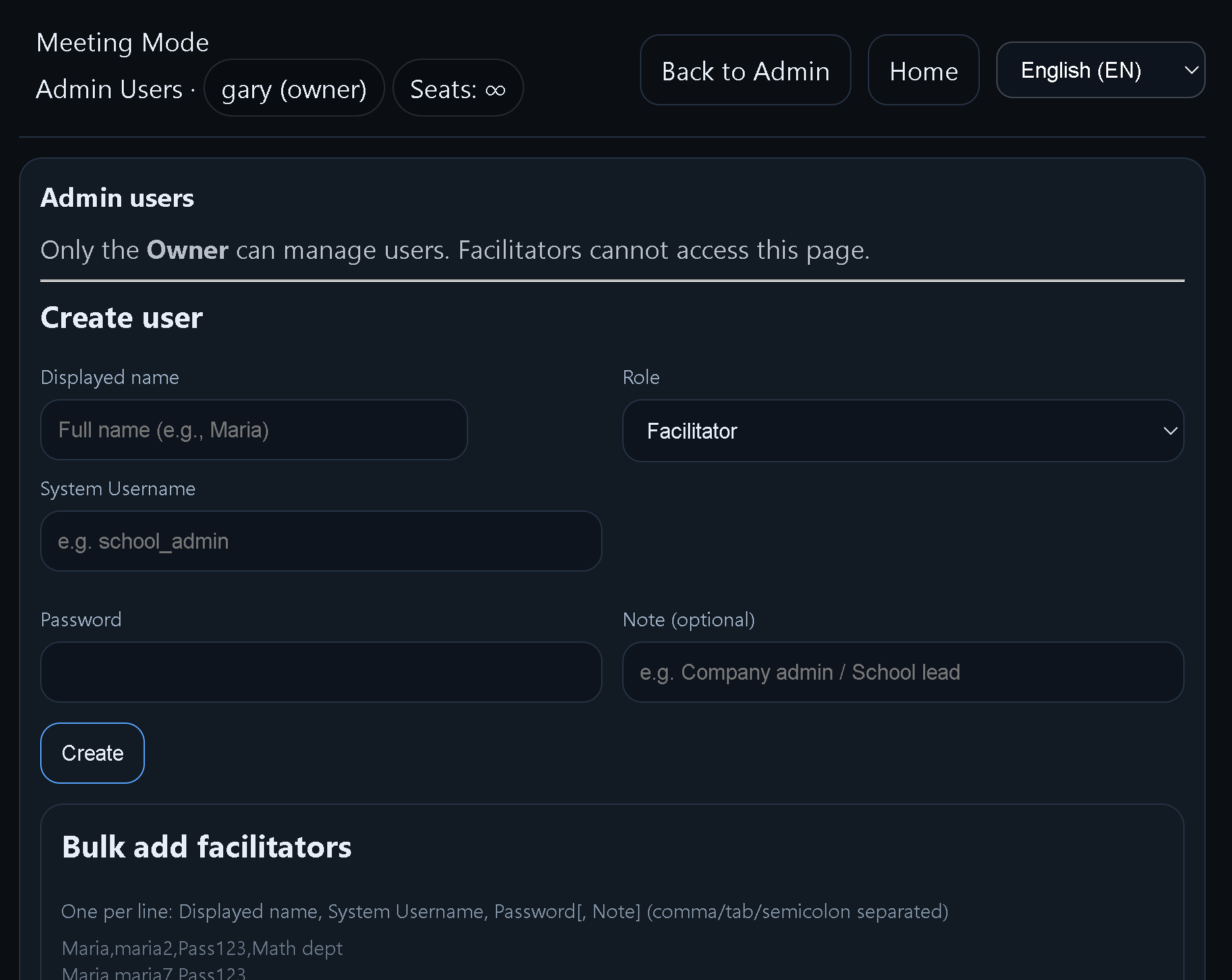
Step 8 — Users (owner-only)
Owners add/disable facilitators in Admin → Users (where applicable).
- Recommended flow:
- 1) Launcher: click Admin (prepare settings).
- 2) In the poll Admin: use Share inside the poll (this is the facilitator’s real share link).
- 3) Run the session: invite short entries, keep the room focused.
- 4) End the poll in Admin when complete.
- 5) Show /results (public after end, if enabled).
Quick start (60 seconds)
- 1) Open Admin in a separate tab.
- 2) Open the participant link (Share inside the poll) and display/QR it.
- 3) Start: invite short entries (one idea per post).
- 4) End: press End Poll in Admin.
- 5) Open /results and review together.
Running a strong session
Participant
- Add only what helps the objective.
- Keep entries short (one idea per post).
- If responding, reference the idea you’re replying to.
Facilitator
- Start with a single clear question + a timebox (10–20 minutes).
- Encourage short entries (readable on projector).
- When it gets noisy: restate the objective and narrow the prompt.
- Summarise out loud every few minutes to keep alignment.
Ending & Results
- End the poll from Admin when discussion is complete.
- Policy: before end, /results is admin-only; after end it can be public if enabled.
- This Meeting Mode service is configured with RESULTS_PUBLIC_AFTER_CLOSE=1 (public after end).
Adding users (Owner)
Owner
- Use Admin → Users to add facilitators (where this poll supports Users).
- Disable accounts that should no longer have access.
Export / data bundle
- If Export is visible in Admin, use it after ending to download a ZIP bundle.
- Meeting Mode is designed to tolerate schema changes over time (stable export format).
Owner
- Known endpoint (if enabled): /admin/export/bundle.zip (streams ZIP on-the-fly).
Troubleshooting
- Buttons or layout odd? Hard refresh (Ctrl+F5).
- Participants can’t join? Re-share the poll’s Share link, and confirm hotspot/Wi-Fi is stable.
- If things feel chaotic: narrow the prompt and restart the timebox.
- If /admin/users prompts login: log in first (expected).